When using WordPress you might have seen an alert box asking you to add FTP details to download new WordPress plugin or update WordPress plugin.
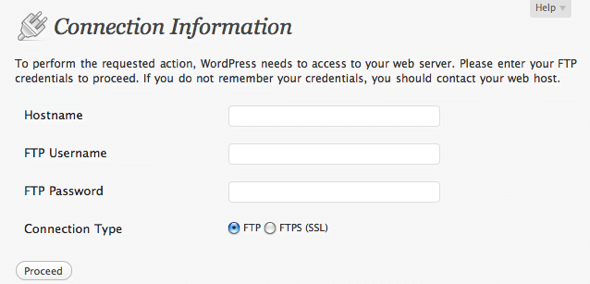
The wp-config.php file can be used to define constant values. You can add below code to your wp-config.php file to get rid of the FTP alert.
// Direct FTP Access
define('FS_METHOD', 'direct');FTP Access
If you have FTP details, then the more secure way is to add constants to the wp-config.php file.
// Setup FTP Details
define("FTP_HOST", "localhost");
define("FTP_USER", "your-ftp-username");
define("FTP_PASS", "your-ftp-password");For Secure Connection
For a secure connection add the below code in wp-config.php:
// Secure Connection
define('FTP_SSL', true);View or fork this snippet on GitHub Gist.
Need this done on a live site? Exivon Tech takes on projects and audits, led by me.