
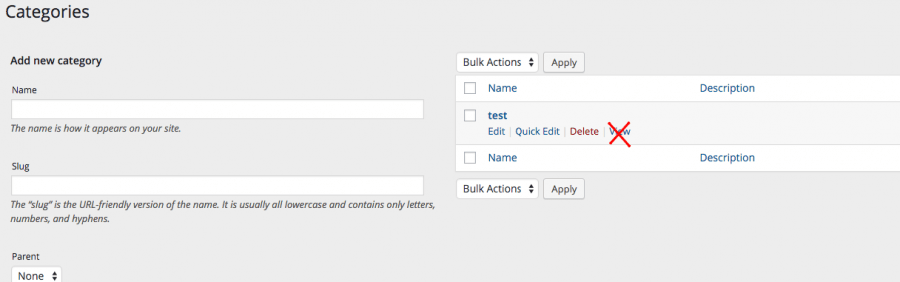
WordPress taxonomy provides flexibilities to set its properties while registering it. To disable WordPress taxonomy archives, set “public” as “false” as shown in below example code. This will remove “View” action link from taxonomy screen and also redirect the user to website homepage when trying to access url of taxonomy manually.
1. Via register_taxonomy() arguments (best for custom taxonomies)
When registering a custom taxonomy, set ‘publicly_queryable‘ and ‘rewrite‘ to false:
					register_taxonomy( 'your_taxonomy', 'post', [
    'public'             => false,
    'publicly_queryable' => false,
    'rewrite'            => false,
    'show_ui'            => true, // keep UI in admin if needed
] );
2. Redirect archive requests to 404 (for built-in or existing taxonomies)
Add this to your theme’s functions.php or a plugin:
					add_action( 'template_redirect', function() {
    if ( is_tax( 'your_taxonomy' ) ) {
        global $wp_query;
        $wp_query->set_404();
        status_header( 404 );
        nocache_headers();
    }
} );
For category or tag archives specifically, replace is_tax() with is_category() or is_tag().
